Family albums
Clean up grandparents' portraits, weddings and childhood snapshots before printing or sharing them with relatives.
Upload a scan or a phone photo of an old print. The AI removes scratches, creases, stains and fading, rebuilds torn corners and can add natural color — while faces stay the same people. First restoration free, no account.
No photo handy? Try a sample
Pick one direction. Hold Frame will protect the important parts automatically.
✦ 1 free result as a guest · failed generations never count
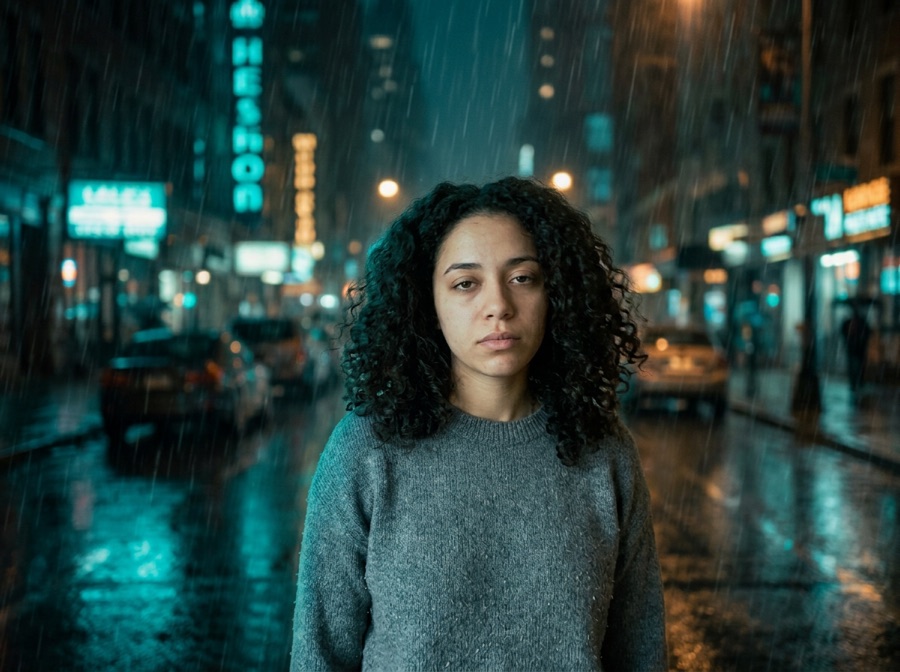
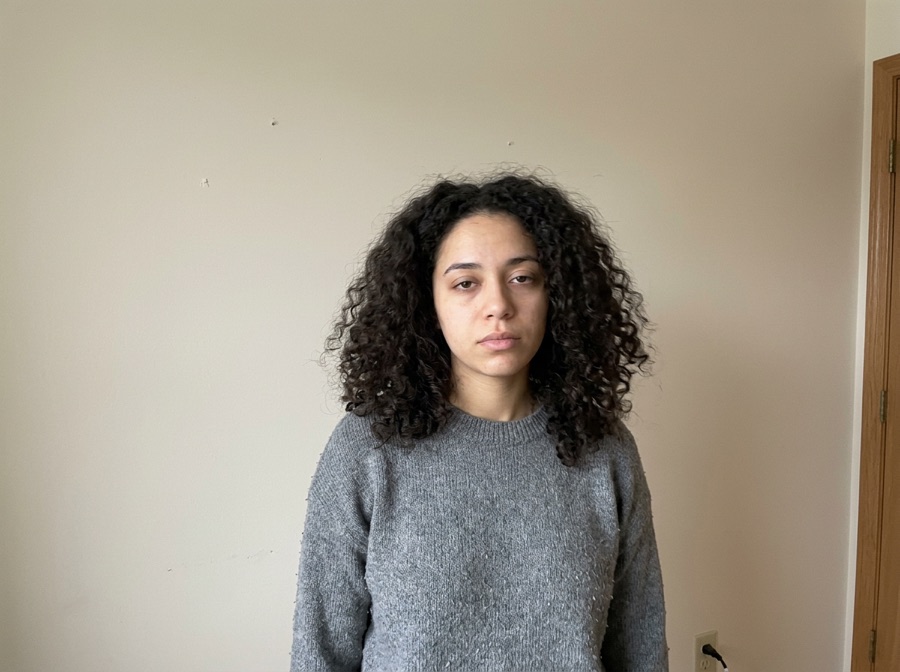
The damaged originals are AI-generated old photos of fictional people; each result is this tool's actual output with the matching picker option. Compare the faces between the original and the result.
Most img2img tools give you one abstract “strength” slider. We turn it into decisions a human actually makes.
Locked items become explicit model instructions — and a region mask when you paint one. The AI regenerates the whole image using your photo as the reference, so compare locked details with the original before you publish.
One tap per intent. Each chip compiles into a structured instruction with the right negative constraints.
Light touch: tone, light, small edits. Routed to precise editing models.
The default. Obvious change with stable identity and layout.
Big reimagining. Structure loosens — fine details may drift, on purpose.
Drop any JPG, PNG or WebP. We recognize portraits, products, sketches and interiors, and pre-lock what usually matters for that kind of image.
Toggle what to keep, tap what to change, pick Subtle, Balanced or Creative. No denoising values, no seed numbers, no model menus.
Slide before/after, download free with no added visible watermark, then keep editing the result with plain language — no re-upload needed.
Tap any template — it configures keep, change and strength, then scrolls you back to the studio.
Upload one old photo — a flatbed scan or a straight-on phone photo of the print — and tap what it needs: a clean black-and-white restore, restore plus color, faded-color correction, tear repair or sharper faces. The AI redraws the photo with the damage removed while Face lock keeps the people, expressions and pose as the reference. The first restoration is free with no sign-up.
Hold Frame's AI old photo restorer repairs a scanned or phone-photographed old print in about 20 seconds: it removes scratches, dust, creases, cracks and stains, fixes faded or color-cast prints, rebuilds torn-off corners and can colorize black-and-white photos with natural colors. Face lock tells the model to keep every face, expression and pose the same, but this is generative restoration (Google Gemini 3.1 Flash Image redraws the photo with yours as the reference), so small facial details can shift — keep the original scan and compare. Your first restoration is free with no sign-up and no added watermark; after that it costs 5 credits per image ($2.99 buys 3, $6 buys 10), one-time. People also search for it as old photo restoration, restore old photos, old photo restoration AI, fix old photos, colorize old photos, repair damaged photos, photo restoration AI free.
Facts checked October 10, 2026.
| Free to try | First standard (about 1K) result free as a guest — no sign-up, no credit card, no app download. Failed generations don't count. |
|---|---|
| After the free result | 5 credits per standard image. One-time packs: $6 for 50 credits (10 images) or $12 for 125. Plans: $9/month for 100, $19/month for 250; credits carry over. |
| Watermark | No visible watermark is added. The model provider's invisible provenance mark (SynthID) is not removed. |
| Original pixels kept? | For background changes, yes: with "Keep subject pixels exactly" (on by default for product photos, one tick for people) the original product or person is cut out in your browser and pasted back pixel-for-pixel; only the background is AI — same price. Other edits are regenerated by the image model (Google Gemini 3.1 Flash Image) with your photo as the reference, so compare locked details. |
| Best for | Quick, controlled edits from one photo when you want to try several directions before committing. |
| Not the right tool for | Pixel-exact compositing (use layer masks in Photoshop) or editing dozens of images in one batch. |
Clean up grandparents' portraits, weddings and childhood snapshots before printing or sharing them with relatives.
Prepare a clearer copy of an ancestor's photo for a family tree, a funeral slideshow or an anniversary card.
Remove the orange or magenta cast that drugstore prints develop and bring back natural skin tones.
Scan it, or photograph it flat in daylight without flash. Crop to the photo — the less table and glare, the better the result.
Restore in black and white, restore and colorize, fix faded colors, repair tears or sharpen faces. You can edit the description before generating.
Check eyes, mouths and hands against the original. If something drifted, lower strength to Subtle and generate again — failures are refunded.
Copy one as a starting point, then change only the details that matter to your image.
Use these checks before increasing change strength or adding more instructions.
Enlarge the restored photo for printing.
Trending photo edits you can apply in one tap.
Swap the background while the person's pixels stay exactly the same.
Try on Halloween costumes from one photo — or a couple costume from two.
The TikTok ghost prank on any photo — your pixels stay untouched.
Place a realistic ghost anywhere in a photo — the people stay untouched.
1980s yearbook, family album or mall studio portrait — from one selfie.
Your images and results are never public. No gallery, no indexable links.
Anonymous uploads and results are wiped within 24 hours, automatically.
We don't use your uploads to train models. Not opt-out — it just doesn't happen.
One click removes the source and every result. Download links die with it.
5 credits per successful standard 1K image — including background changes with "Keep subject pixels exactly". Two more takes cost up to 10 credits. Failed images are refunded. One-time packs need no account to pay; new accounts get 5 free credits once.
Compare all credit plans and usage costs
Loading prices…
Subscriptions renew monthly and add credits after each successful payment. Packs are one-time purchases, available with or without a subscription. Unused credits carry over and remain after cancellation. No automatic pack purchases.
No “100% accurate” promises. Here's the truth, and the workaround.
Your first restoration is free with no sign-up, no credit card and no added watermark. After that each image costs 5 credits: $2.99 buys 3 images and $6 buys 10, one-time with no subscription. Failed generations are refunded.
Yes. Tap Restore + colorize. The colors are a plausible guess from the scene and the era — the AI cannot know the real color of a dress or a car — so treat colorized photos as an interpretation, not a record.
Face lock tells the model to keep every face, expression and pose, and on most prints people stay clearly recognizable. But the photo is redrawn, not retouched pixel by pixel, so small details such as eyes or teeth can shift. Compare with the original and try Balanced or Subtle strength if a face changes.
Lay the print flat in even daylight, avoid flash and reflections, hold the phone parallel to the photo and fill the frame. Crop off the table before uploading. A flatbed scan at 600 dpi is even better.
Yes, tap Repair tears & folds. The model rebuilds missing paper to match the surrounding tone and grain. A missing part of a face is invented, not recovered, so check it closely.
About 1K (roughly 1024 px on the long side) for the free and standard result. Signed-in users can regenerate at native 2K when it's available.
Yes. Uploads are processed only to make the result and are not used to train models. Only upload photos you have the right to edit.
No. Uploads are processed to make the result and are not used to train models.
Each tool pre-configures the right locks and presets for the task.
Line art to realistic or stylized renders. Outline & composition locked.
New scene behind you, with your face kept as the reference. Face, body & pose locked.
Studio shots and ad variants. Original product reference, new settings. Review labels and details.
Anime and manga styles with your face and pose intact.
Restyle a room without moving a wall. Layout, doors & windows locked.
Four takes on the same idea. Subject & composition preserved.
Casual selfie to LinkedIn-ready headshot. Your face, locked.
Stage empty listings in seconds. Walls & windows never move.
Copy controlled prompts for lighting, palette, season, background and style.
Recreate practical before-and-after directions without losing the source.
Ecommerce and campaign photo workflows built from one real product.
Replace only the set while product, logo and packaging stay consistent.