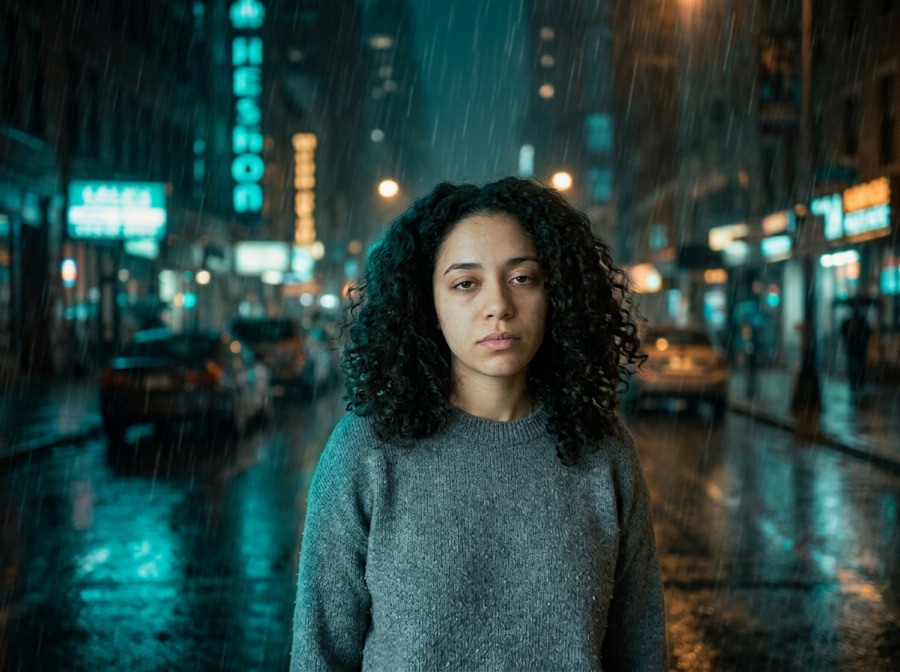
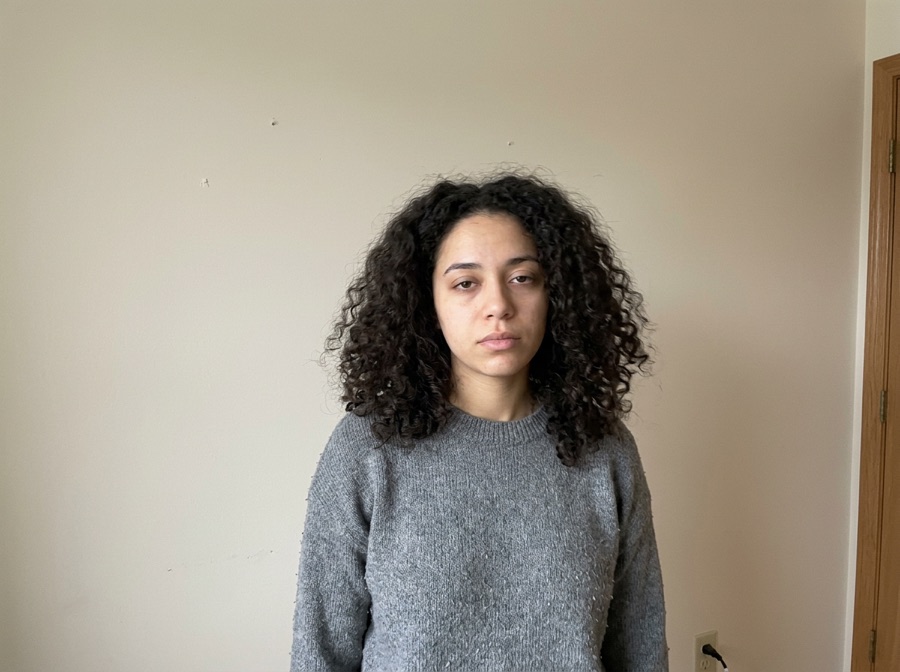
TikTok and Reels carousel
Post 3–4 lies, then the reveal — export as 9:16 slides or one short video.
Upload your own childhood Halloween photo. Tap a costume and the AI makes the same kid, same face, same porch — in an impossibly fancy costume. Make 3–4 “lies”, then the slide builder adds the real photo reveal and a 9:16 video. First photo free, no account.
Free: your first photo, no sign-up, no card (watermarked preview) · failed generations don't count · then $2.90 per photo, 3 for $6.90 or 5 for $9.90, one-time.
No photo handy? Try a sample
Pick one direction. Hold Frame will protect the important parts automatically.
✦ 1 free result as a guest · failed generations never count
To do the “I'm so sorry I lied” AI trend: upload your own childhood Halloween photo, tap an upgrade card to make a fancier version of the same kid — the “lie” — repeat 2–3 times, then post the slides with the real, homemade photo last. This page turns your results into captioned 9:16 slides and a short video for TikTok, free.
Every photo you make above lands here as a slide. Make 2–4 lies, and the last slide shows the real photo next to them.
About 1.8 seconds per lie, 3 seconds on the reveal. No sound — add the trend sound in TikTok, Reels or CapCut.
Download videoSlides and the video are made in your browser and never uploaded. Only use your own childhood photos (or ones you have permission to use).
Examples use AI-generated children, not real ones. The original on the left is the reveal slide.
Tap any template — it configures keep, change and strength, then scrolls you back to the studio.
Start with a real childhood Halloween photo — the more homemade the costume, the better the joke. Keep Face locked and tap a costume: the model redraws only the outfit and keeps the same child, background and old flash-photo look. Make three or four lies, then use the slide builder to add the reveal and download.
“I'm so sorry I lied” is a TikTok and Instagram Halloween trend: you post a few slides of your childhood self in jaw-dropping costumes — a chrome robot suit, a real-looking astronaut suit, a movie-grade vampire — with the caption “I'm so sorry I lied”, and the last slide reveals the real photo: a cardboard box or a bedsheet ghost. Hold Frame's I'm so sorry I lied AI makes the fake slides from one childhood photo. Upload your own old Halloween picture, tap a costume, and the AI keeps the same child, face, pose, background and old film-flash look while it changes only the costume. Repeat 3–4 times, and the slide builder under the editor stacks the lies, adds the original-reveal collage and exports numbered 9:16 slides or a short video with the caption on it. It does the same job people do with a ChatGPT or Gemini Halloween prompt, but in one place, with the reveal slide built for you. Your first photo is free with no sign-up; after that it's $2.90 per photo, 3 for $6.90 or 5 for $9.90, one-time with no subscription. People also search for it as im so sorry i lied AI, im sorry i lied trend, sorry i lied halloween trend, AI childhood halloween photo, childhood halloween photo AI, AI halloween photo trend, AI trend halloween, chatgpt trend halloween, gemini halloween trend, wizstar halloween.
Facts checked October 10, 2026.
| Free to try | First costume photo free as a guest — no sign-up, no credit card, no app download. Failed generations don't count. |
|---|---|
| After the free photo | $2.90 for one photo, $6.90 for three (most popular) or $9.90 for five — one-time, no subscription, no account needed to pay. Existing Hold Frame credits work too (5 per photo). |
| Watermark | Free previews carry a visible Hold Frame watermark; paid images have none. The model provider's invisible provenance mark (SynthID) is not removed. |
| Original pixels kept? | For background changes, yes: with "Keep subject pixels exactly" (on by default for product photos, one tick for people) the original product or person is cut out in your browser and pasted back pixel-for-pixel; only the background is AI — same price. Other edits are regenerated by the image model (Google Gemini 3.1 Flash Image) with your photo as the reference, so compare locked details. |
| Best for | Quick, controlled edits from one photo when you want to try several directions before committing. |
| Not the right tool for | Pixel-exact compositing (use layer masks in Photoshop) or editing dozens of images in one batch. |
Post 3–4 lies, then the reveal — export as 9:16 slides or one short video.
Upgrade a sibling's old costume (with their OK) and send the before/after.
A funnier take on #ThrowbackThursday for the week of Halloween.
The joke works in two beats: first the real childhood photo with the homemade costume, then the upgraded version that looks like a movie poster. Post them in that order so the reveal lands on the second image.
Cardboard armor, a sheet ghost or a towel cape makes the upgrade funnier than a store-bought costume. The bigger the gap between the original and the upgraded version, the better the post.
For printed photos, lay them flat near a window, avoid glare and photograph straight down. Crop away the album page. A sharp face in the scan helps the upgraded version still look like the same child.
Short captions work best: "I told everyone I was a knight" over the original, then the upgraded image. Many people add the year the photo was taken, which makes the throwback clear.
If the photo shows siblings or cousins, ask them before posting. The trend is meant as a friendly joke about your own childhood, and family photos are often shared in group chats first.
Write the second image as if it were a frame from a movie: the costume made from real materials, the setting it belongs in and the light. "Real steel knight armor, castle courtyard, torchlight" gives a stronger reveal than just "make it realistic".
Keep the face locked and leave the pose as it is in the original snapshot. The joke depends on viewers seeing that it is the same child in the same awkward pose, now in a costume that looks expensive.
Scan or photograph the print straight on. One child per photo works best; full body is ideal.
Tap a card — robot, astronaut, vampire… — and generate. Each result is added to the slide builder.
Edit the captions, then download numbered slides or make a 9:16 video for TikTok or Reels.
Copy one as a starting point, then change only the details that matter to your image.
Use these checks before increasing change strength or adding more instructions.
Try a costume on yourself now — or a couple costume from two photos.
Four zombie makeup looks, face kept.
Film 5 seconds and restyle your clip.
12 viral ChatGPT photo prompts for women with examples, notes and one-tap try.
10 Gemini (Nano Banana) photo prompts for women with examples and one-tap try.
Turn a photo into a big-head caricature — newspaper ink, cartoon or watercolor.
Private by default: uploads and results are never public, are deleted within 24 hours and are never used for training.
Compare all credit plans and usage costs
Loading prices…
A TikTok/Instagram Halloween trend: a carousel of your childhood self in incredible costumes captioned “I'm so sorry I lied”, then a last slide with the real, much humbler costume. The joke is the gap between the lie and the cardboard box.
Upload your own childhood Halloween photo, tap a costume card and generate. Repeat for 3–4 costumes. Each result drops into the slide builder below the editor, which adds the original-photo reveal and exports numbered 9:16 slides or a video.
Your first photo is free with no sign-up (free previews are watermarked). After that it's $2.90 per photo, 3 for $6.90 or 5 for $9.90 — one-time, no subscription. Building slides and the video is free.
Yes — the ChatGPT and Gemini Halloween trend prompts ask for the same thing: keep the child, change the costume. Here the prompt is already written for each card, the face and background stay locked, and the reveal slide and 9:16 video are built for you.
Wizstar and other photo apps run similar childhood-Halloween-photo trends. This page is a web tool with no app install: upload, generate, and export slides in the browser.
The prompt keeps the same child, face, expression, pose, background and old film look and changes only the costume. Strong costumes can drift a little; generate again or try a less extreme card.
Please upload your own childhood photo (or one you have permission to use). Don't upload photos of other people's children or celebrities; sexual or violent requests are declined.
No. The slide builder and video run in your browser; only the photo you generate with is sent to the AI.
No. Uploads are processed to make the result and are not used to train models.