AI Dance Video from One Photo — You or Your Pet
Upload a photo of you or your own pet, pick a move, get a vertical dance clip.
Yes — make an AI dance video from one photo of you or your pet: upload the photo, pick one of 4 dance moves, and get a vertical clip of you (or your dog or cat) dancing. Your first 10-second video is $0.99, no sign-up.
Who's dancing?
Dance move
Usually 1–4 minutes. You can leave this tab open or come back later — the job is saved in this browser.
Your dance video is ready
The link is kept for 24 hours — download it now.
Download MP4That was the free 5-second try. — $0.99 for your first, then $6.99.
No music is added — put your favourite sound on it in TikTok, Reels or CapCut.
Only photos of you or your own pet. Every photo goes through an automatic check first: famous people, children and other people's photos are declined before anything is charged. Your photo is sent to the video engine only to make this clip and is not stored.
An AI dance video turns one still photo into a short clip of that person or animal dancing. Dance templates spread fast on TikTok and Reels because anyone can join without learning the steps. On Hold Frame you upload one photo of yourself or of your own dog or cat, choose a move — shoulder bounce, arm wave, two-step groove or spin & pose — and get a 9:16 MP4: 10 seconds, sharp and smooth. Each move is a fixed routine written for the video model — the same counts, steps and finish every time — so friends who pick the same move get matching clips; pets get a gentle, natural-looking version instead of human choreography. It works only with photos you have the right to use: famous people, children and photos of someone else are declined by an automatic check before anything is charged. No music is added, so you can put any licensed sound on it in TikTok, Reels or CapCut. People also search for it as AI dance video generator, AI dance generator, AI dance from photo, make a photo dance AI, AI dancing photo, pet dance video AI, AI pet dance, make my dog dance AI, dog dance AI, cat dance AI, AI dance template, dance trend AI.
Facts checked October 10, 2026.
What you get
| How it works | One photo + a move → Kling image-to-video. The move is a fixed routine, so clips match from photo to photo. |
|---|---|
| What you upload | One JPG, PNG or WebP of you (18+) or your own pet, at least 340 px. Famous people, children and other people's photos are declined before charging. |
| Output | Vertical 9:16 MP4, 10 s, no audio, no watermark. Add a sound in TikTok, Reels or CapCut. |
| Price | First video $0.99. Then $6.99 per video, 3 for $19.90 or 5 for $29.90 — one-time, no subscription. |
| Not included | Celebrity faces, copied choreography or music. Not affiliated with any artist or trend creator. |
Photos that make the best AI dance videos
Both sample photos are made-up characters created for this page — no real or famous person. Load either one with the sample button in the tool to try it.
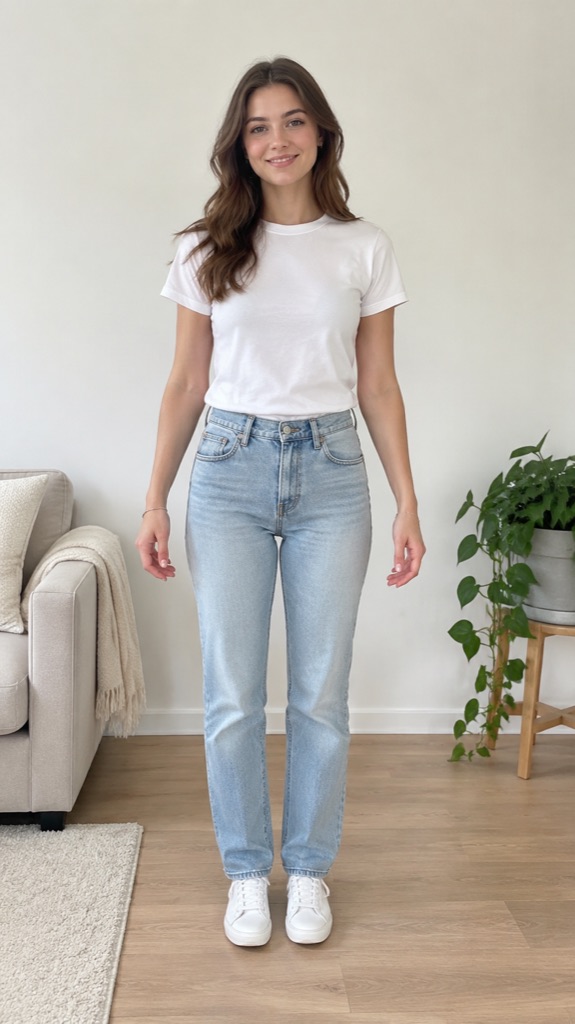
- Just you, standing
- Head to knees or feet in frame
- Arms away from the body
- Plain, uncluttered background
- Daylight, no heavy filter
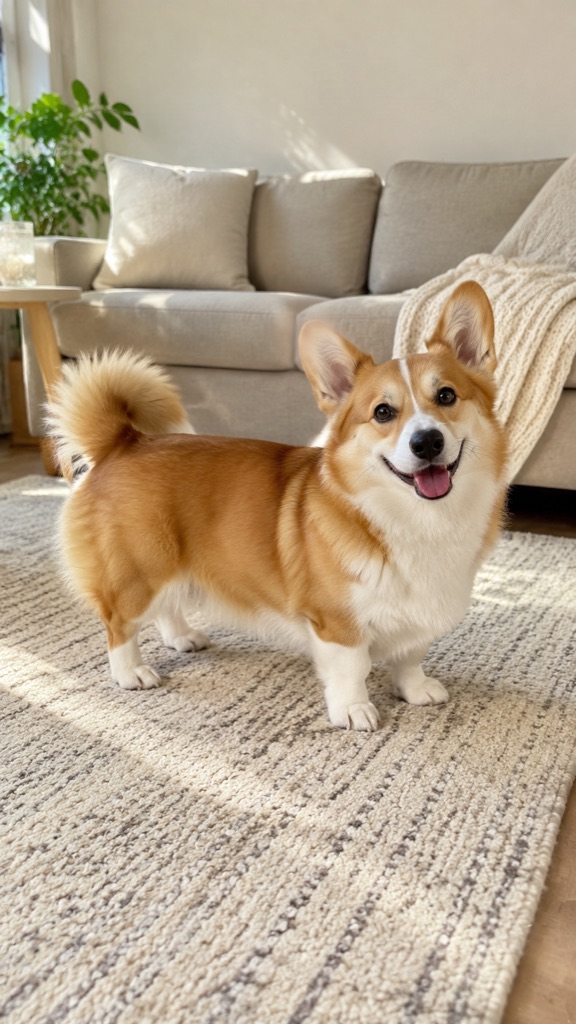
- One pet, standing
- All four paws and the tail visible
- Eyes toward the camera
- Floor-level shot
- No people in the photo
What makes a good AI dance video maker
The five things to check before you pay, and how this page handles each.
| Check | Why it matters | Hold Frame |
|---|---|---|
| Repeatable moves | A template only spreads if every clip does the same steps. | 4 named moves, each a fixed written routine |
| Vertical output | TikTok, Reels and Shorts crop landscape clips. | 9:16 MP4, 10 s |
| Try before paying | You should see your own result first. | First video $0.99, no account |
| Consent rules | Animating someone else's face can get your post removed. | Own photo or own pet only; famous people and kids declined before charging |
| Fair price | Most people want one or two clips, not a subscription. | $0.99 first video, then one-time packs |
AI dance video generators compared
The main photo-to-dance tools for people and pets, checked on 5 November 2026.
| Hold Frame | Viggle | Kling | aibabydance (pet) | PetGroove | |
|---|---|---|---|---|---|
| Try without sign-up | Yes — first video $0.99 | No | No | No (sign-in to generate) | No |
| Upload box on the first screen | Yes | No (app button) | No | Yes | No |
| People and pets | Both, one switch | People | People | Pets / babies | Pets |
| Ready-made moves | 4 named moves, animated preview on each | Template library | Bring your own clip | 6 numbered templates | Templates |
| Photo rules stated | Own photo or own pet; famous people declined | — | — | — | — |
| Price | $0.99 first, then $6.99; 3 for $19.90 or 5 for $29.90, no subscription | Subscription | Subscription credits | Credit packs from $9.90 | Sign-in required to see |
| Failed videos | Refunded automatically | — | — | — | — |
“—” means the site doesn't say. Prices are from each site's public page and may change.
AI dance daily move
A new scene every day (changes at 00:00 UTC). Make it, tap "I made today's" to keep your streak, and share the challenge with a friend.
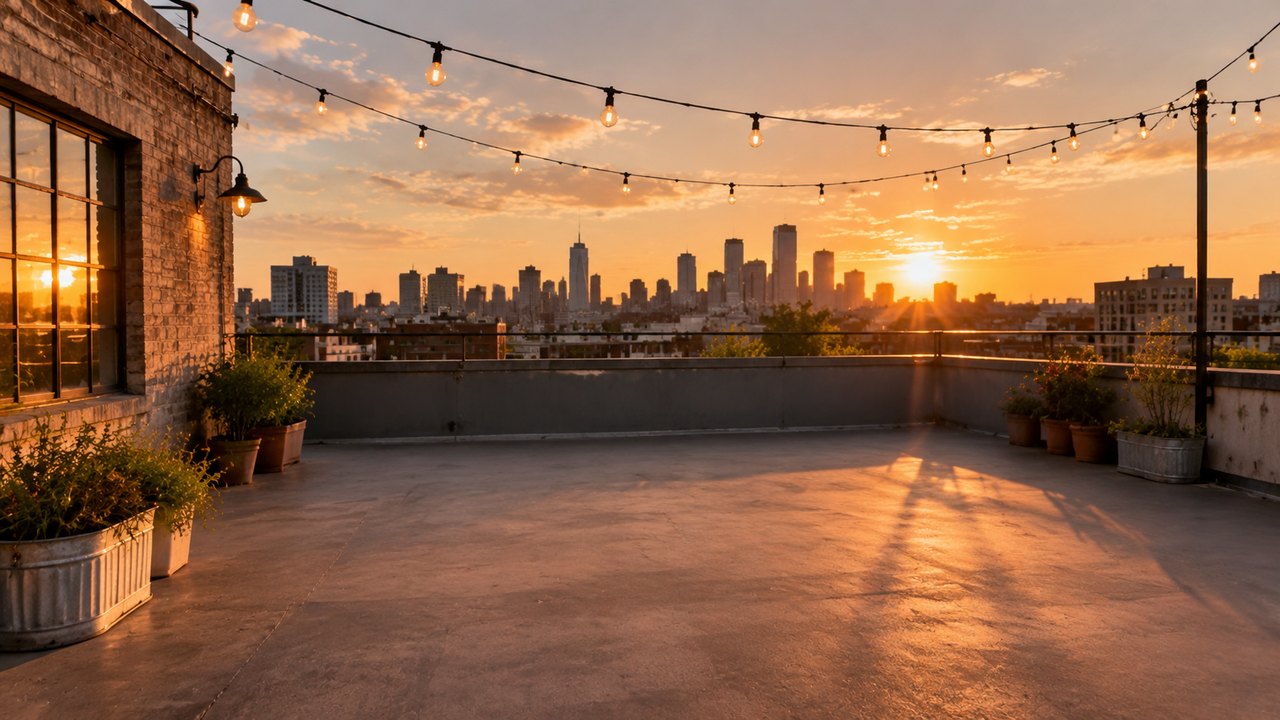
Rooftop at sunset
Rooftop: hit the shoulder bounce for four counts, then freeze and point at the skyline.
Streak: 0 days · kept on this device only.
AI Dance Video scene templates
Original scene references made for this page. Click one: the video editor opens with the scene loaded and "Scene only" selected — you just add your clip.
Rooftop at sunset
City skyline, warm golden light, a wide flat rooftop with room to move.
Note: a dancer performing on a flat city rooftop at golden hour, skyline behind, warm sunlight, wide vertical framing, upbeat social video lookUse this scene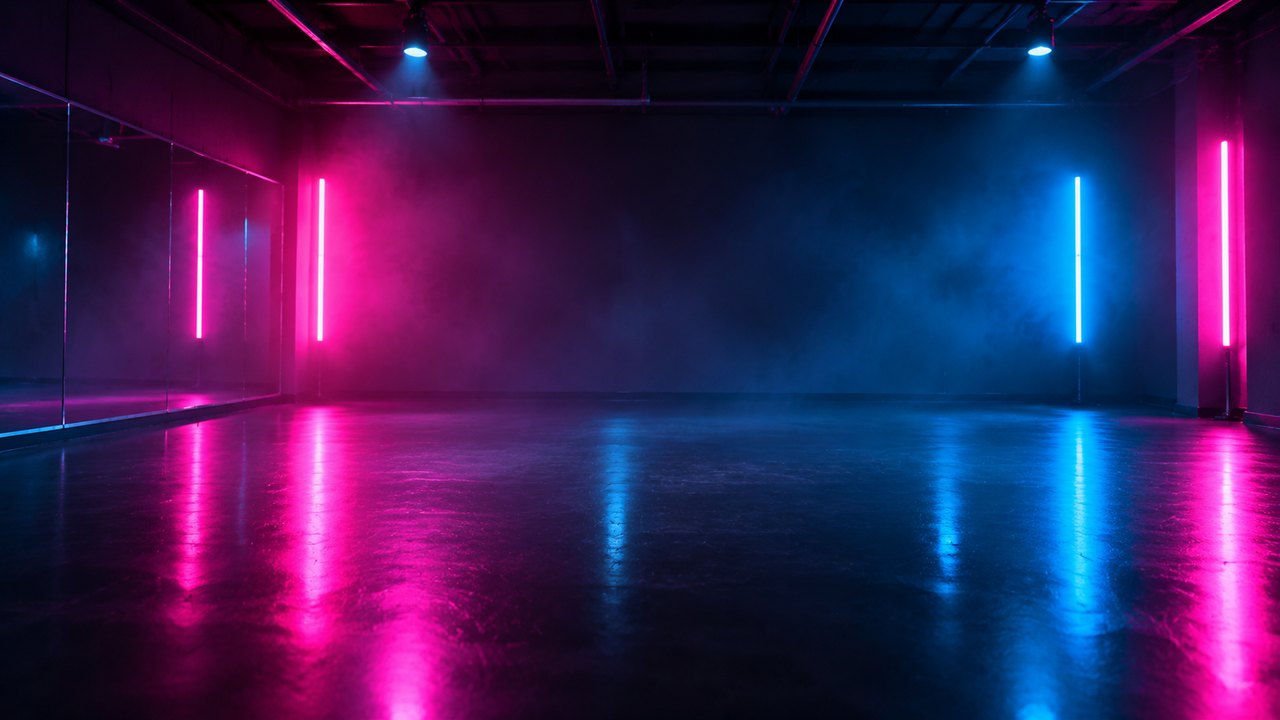
Neon studio
Dark studio, pink and blue neon tubes, glossy floor that reflects every step.
Note: a dancer in a dark dance studio lit by pink and blue neon tubes, glossy reflective floor, haze, vertical framing, music video lookUse this scene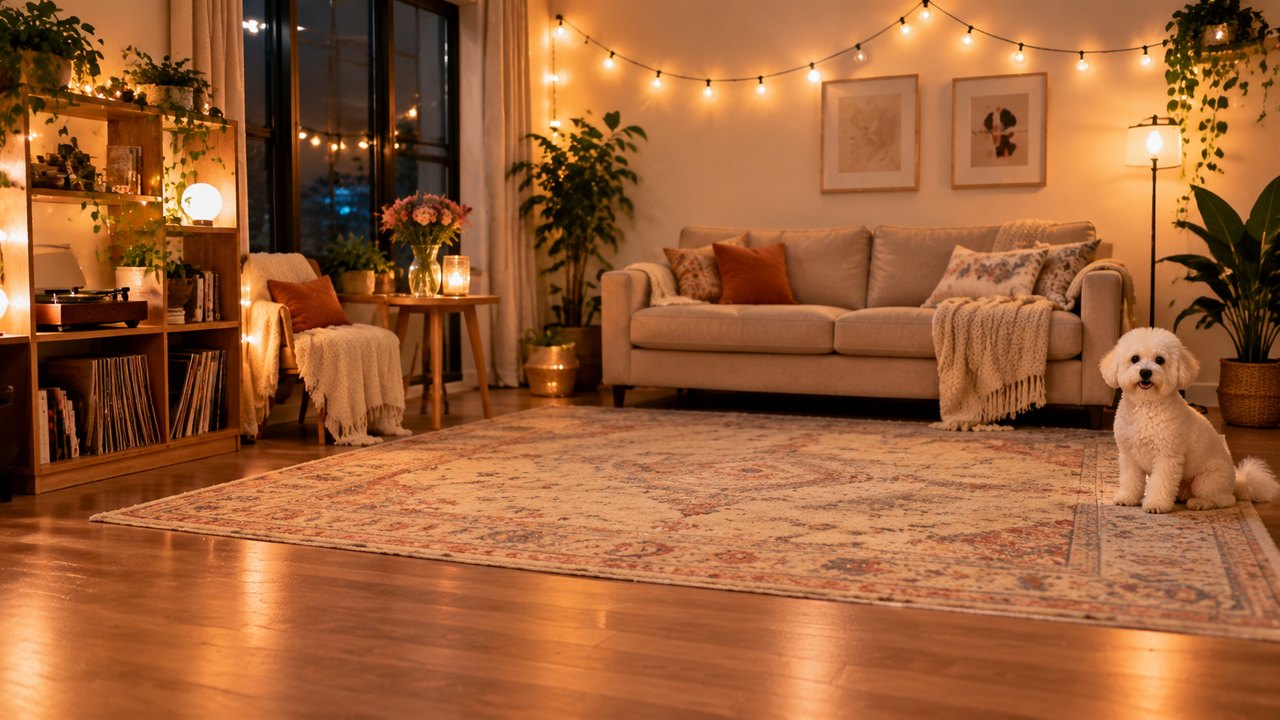
Living-room party
Cozy living room, string lights, a sofa and a curious pet watching.
Note: a dancer in a cozy living room with warm string lights and a sofa, a small dog watching from the rug, playful home party vibe, vertical framingUse this sceneReal people: the engine declines reference photos that look like real people, so here the scene is the reference and you are in the clip. Clips that show people can still be declined by the engine's safety checks — if that happens your credits come back automatically. Only upload people who agreed to it.
How to make a AI Dance Video
1. Upload one photo
Pick Me or My pet, then upload a clear photo: you alone, waist-up or full body, or one pet with its whole body in view. Tick the box that it's you or your own pet.
2. Choose a move
Four named moves, each with an animated preview: shoulder bounce, arm wave, two-step groove, spin & pose. Each one is the same short routine every time, so it works as a template your friends can copy.
3. Download and add a sound
About 1–4 minutes. Download the vertical MP4 and add any sound in TikTok, Reels or CapCut, where licensed music is available.
What the scene swap does — real outputs
These are actual Seedance 2.5 edits made on Hold Frame on October 1, 2026 with other references (examples with this trend's scenes will be added). Left: source clip. Right: edit. Same motion, new look.
New location from one image
Every stride stays; the beach boardwalk (and costume) come from the reference.
New stage and costume
Arm motion, timing and camera preserved; suit and stage from the reference.
FAQ
How do I make an AI dance video from a photo?
Use the tool at the top of this page: choose Me or My pet, upload one photo, tick the consent box, pick one of four moves and press Make my dance video. Your first 10-second video is $0.99 and needs no account.
Can I make my dog or cat dance?
Yes. Choose My pet and upload a photo of your own dog, cat or other pet with its whole body visible. Pets get a light, natural bounce-and-sway version of the move rather than human choreography, which looks cuter and far less uncanny.
Whose photos can I use?
Only your own photo (you must be 18 or over) or a photo of your own pet. Photos of famous people, children, or anyone else without their say are declined by an automatic check before the video starts, and nothing is charged when that happens.
Can I make a celebrity dance?
No. We don't animate famous people or lookalikes, and the moves are original routines, not copies of a specific star's choreography. Use a photo of yourself and make the trend your own.
Will two people who pick the same move get the same dance?
Close to it. Each move is a fixed routine — for example, the shoulder bounce is steady up-down shoulders with small side steps — so clips made from different photos follow the same steps. Small differences come from the photo: how much of the body is visible and how the person is standing.
What photo works best?
Good light, one subject, face visible, arms not cropped off. Full body or waist-up works best for people; for pets, a side or front view with all four legs in frame. Group photos, heavy filters and tiny faces give weaker results.
How much does an AI dance video cost?
Every video is 10 seconds from a sharp model with smooth motion — a vertical MP4 without watermark or sound. Prices are one-time: $6.99 per video, 3 for $19.90 or 5 for $29.90, and your first video is $0.99. If a video fails, it is refunded automatically.
Is music included?
No. The video is silent so you can add any sound you have the rights to in TikTok, Reels or CapCut — that is also where trending audio is licensed.
What happens to my photo?
It is checked once, sent once to the video model to make your clip, and not stored on our servers or used for training. Only the finished video link is kept, for 24 hours, so you can download it.
Can I use my own dance moves?
Yes — film about 5 seconds of yourself dancing, pick a dance stage below (rooftop, neon studio, living room) and the editor keeps your moves while swapping the background.
How does the daily challenge work?
Every day (00:00 UTC) the page picks one dance stage with a small twist to try. Tap "I made today's" after you post to grow your streak — it's saved in your browser on this device only — and use Share to send it to a friend.
How much does it cost?
It's $6.99 per video, 3 for $19.90 or 5 for $29.90, one-time with no subscription. Failed or declined videos are refunded.