Make a Burning Bridges AI Video
The Drake “Burning Bridges” AI video trend, as ready-made scenes: upload a 5-second clip, pick a burning-bridge scene — your moves and camera stay, the setting goes up in flames.
The Burning Bridges AI video trend puts a clip into a dark, fiery music-video look inspired by Drake's song. On Keepframe you upload a short clip of yourself (5 seconds are used), pick one of three original burning-bridge scene templates, and Seedance 2.5's video edit keeps your motion, timing and camera while replacing the setting. Output is a 720p MP4 without audio for 30 credits; failed videos are refunded. It does not include the song or footage from the official video, and isn't affiliated with Drake.
Facts checked October 10, 2026.
What you get
| The trend | "Burning Bridges" AI videos put a clip into a dark, fiery music-video look — a bridge in flames, embers, teal-and-orange night light. |
|---|---|
| How Keepframe does it | Seedance 2.5 video edit, Scene only: your 5-second clip keeps its motion, timing and camera; the setting changes to the template scene. |
| What you upload | One clip (MP4 or MOV, up to 60 s; you pick 5 s). The scene reference is filled in for you. |
| Output | 720p MP4, about 5 s, no audio, no watermark. Add the sound yourself in CapCut or TikTok. |
| Price | 30 credits per finished video ($6 = 50 credits). Failed or declined videos are refunded. |
| Not included | The song or any footage from the official video. Not affiliated with Drake or his labels. |
Burning bridges scene templates
Original scene references made for this page (no footage from the music video). Click one: the video editor opens with the scene loaded and "Scene only" selected — you just add your clip.
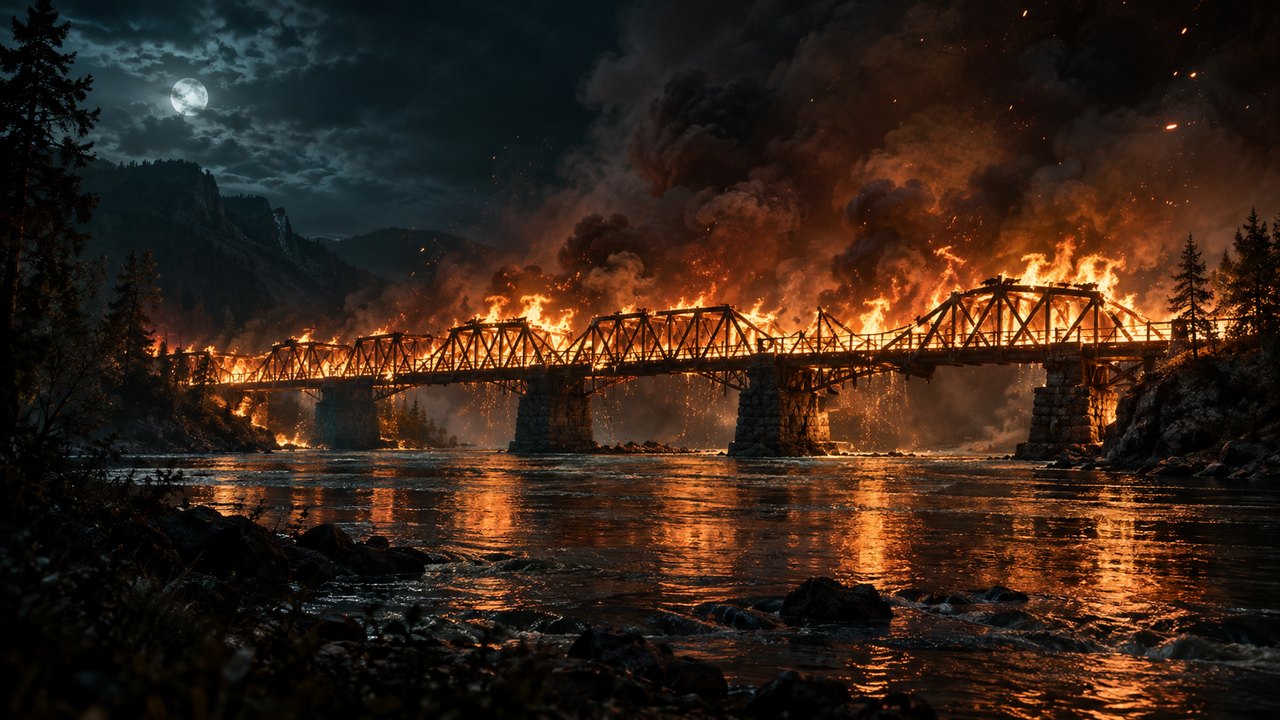
Bridge in flames
The classic: a wooden bridge burning over black water, embers in the air.
Note: night, orange firelight on the subject, drifting embersUse this scene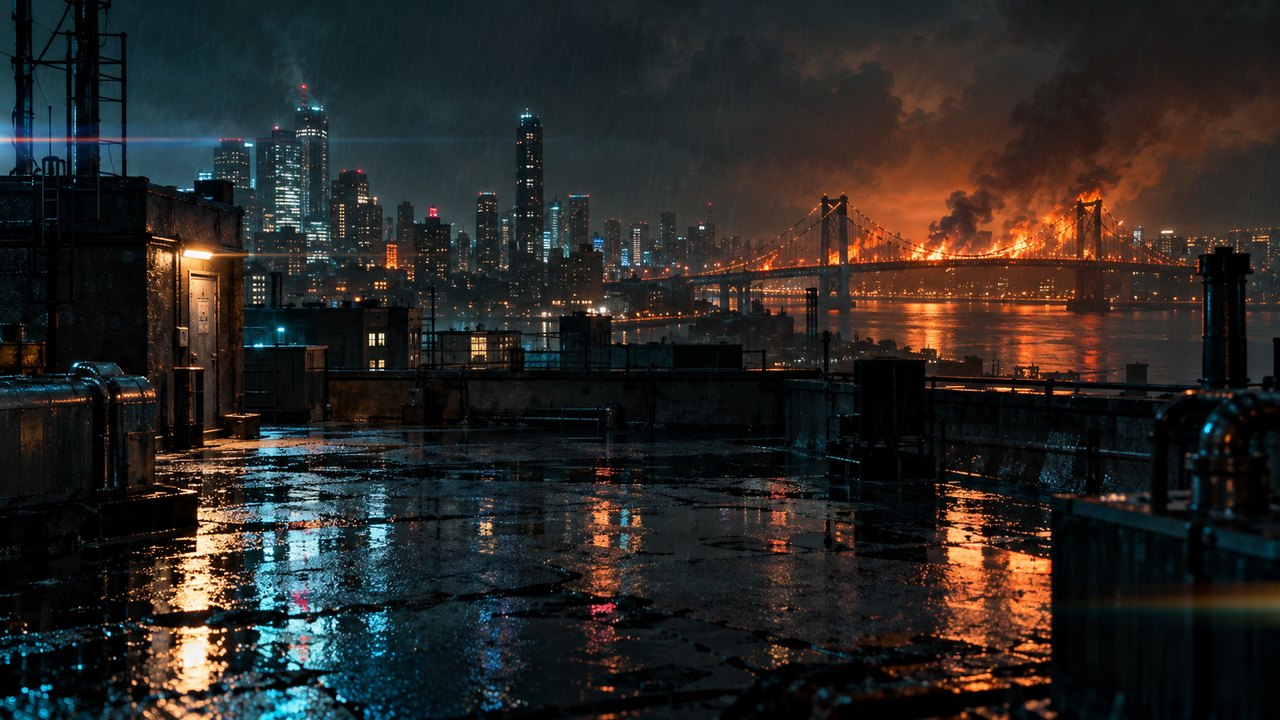
Rooftop, city burning
Wet rooftop in the rain, a bridge on fire on the skyline, neon reflections.
Note: light rain, neon reflections, orange glow from behindUse this scene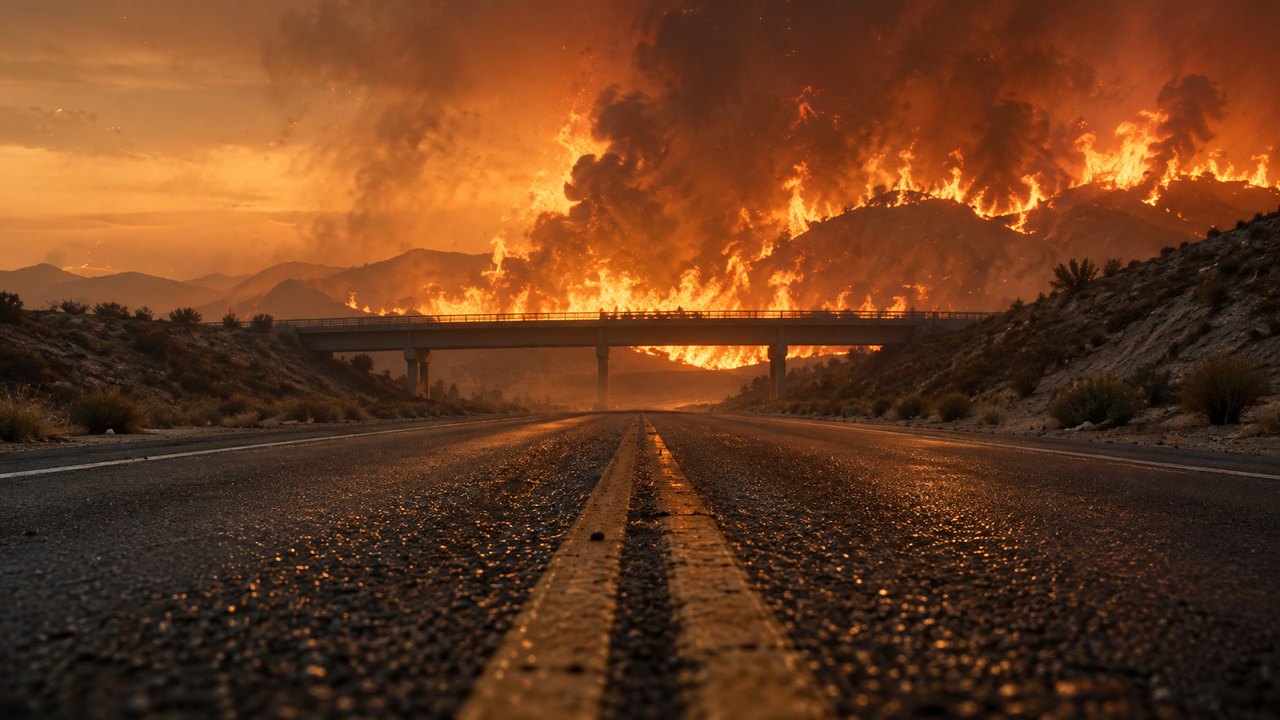
Highway, wall of fire
Low road-level shot, falling ash, a bridge with fire behind it at dusk.
Note: dusk haze, falling ash, warm backlightUse this sceneReal people: the viral version uses "one pic" of yourself. Our engine declines reference photos that look like real people, so here the scene is the reference and you are in the clip. Clips that show people can still be declined by the engine's safety checks — if that happens your 30 credits come back automatically. Only upload people who agreed to it.
How to make a Burning Bridges AI video
1. Film 5 seconds
A walk toward the camera, a slow turn or a head nod works best — one person, steady phone, full body or waist up.
2. Pick a scene
Choose a template above. The editor loads it as the reference and sets "Scene only", so your look stays and the world catches fire.
3. Generate and add the sound
About 2–5 minutes. Download the MP4 and add the audio in TikTok, Reels or CapCut, where licensed music is available.
What the scene swap does — real outputs
These are actual Seedance 2.5 edits made on Keepframe on October 1, 2026 with other references (we haven't published a Burning Bridges render yet). Left: source clip. Right: edit. Same motion, new look.
New location from one image
Every stride stays; the beach boardwalk (and costume) come from the reference.
New stage and costume
Arm motion, timing and camera preserved; suit and stage from the reference.
FAQ
How do I make the Burning Bridges AI video?
Film about 5 seconds of yourself (walking, turning, nodding), open one of the scene templates on this page, add your clip in the editor and generate. The template sets the burning-bridge scene as the reference and keeps your motion.
Can I do it with just one photo of myself?
Not here. The trend version animates a single selfie; our engine declines reference photos that look like real people. Instead, you are in the video clip and the scene is the reference, which also keeps your real movement.
Does it add the Burning Bridges song?
No. The video has no audio, and we don't provide the song or clips from the music video. Add the sound in TikTok, Instagram Reels or CapCut, where licensed music is available.
How much does it cost?
30 credits per finished video. $6 buys 50 credits. If a video fails or the engine declines it, the credits are returned automatically.
Which AI model makes it?
ByteDance Seedance 2.5 in video-edit mode, run for you by Keepframe — no Volcengine account or API key needed.
How long does it take?
Usually 2–5 minutes. The result is a 720p MP4 of about 5 seconds.
Is this the official Drake video or affiliated with him?
No. Keepframe is an independent tool; the scene templates are original images made for this page.